
Apple expands App Store capabilities (Creative Assets, subscription upgrades, and faster submissions): what app teams should do next
Apple’s June 8 Newsroom update rounds up 2026 App Store changes like Creative Assets in the product page header and search results, new subscription features, and a tighter submission workflow. The practical lesson: creative ops and experimentation are moving into App Store Connect.
Original post (source): Apple Newsroom - “Apple expands App Store capabilities to help developers grow their businesses and reach new users” (June 8, 2026)
What changed (the bits that affect day-to-day growth work)
Apple’s roundup is broad, but three themes matter for app marketing teams.
1) Creative Assets are new “above the fold” inventory
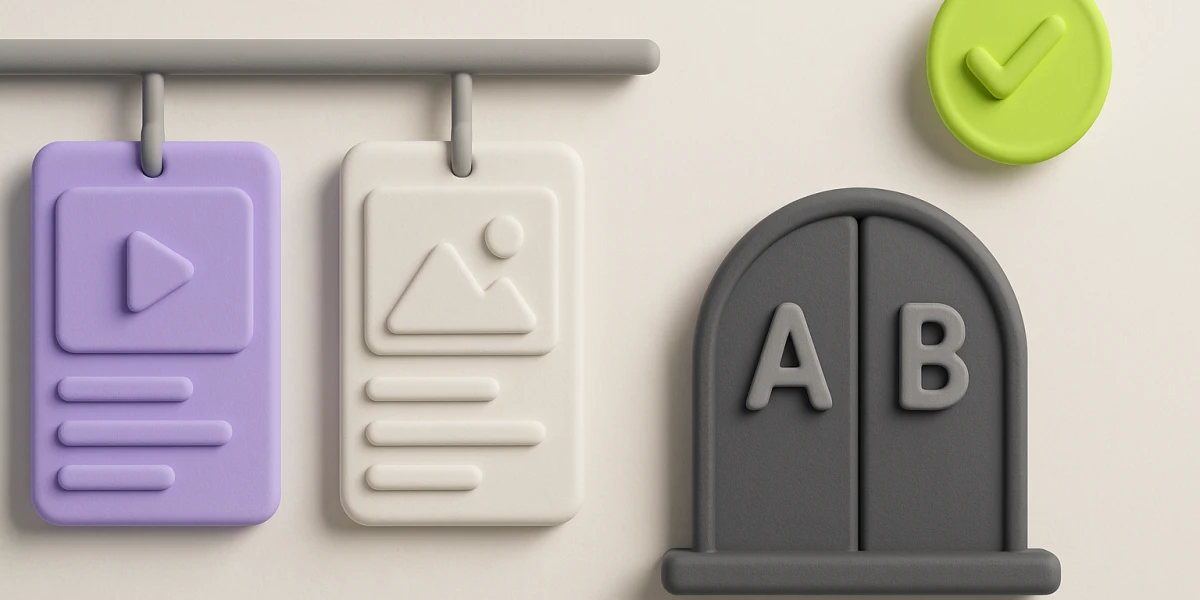
Apple is adding Creative Assets, richer images and videos that can appear in:
- the product page header, and
- search results
They also work alongside:
- Custom Product Pages (CPPs), and
- Product Page Optimization (PPO)
So this is not just “more creative”, it is more testable surfaces.
2) Subscription upgrades are getting more “product-y”
The update calls out improved subscription tooling. The direction is consistent with Apple’s recent moves: churn, upgrades, and eligibility logic are increasingly treated as first-class platform workflows, not just billing.
3) Submissions and previews are moving toward fewer surprises
Apple highlights improvements like product page previews (how copy, screenshots, languages, and Dark Mode render) and workflow updates designed to reduce last-minute “this looked different in production” moments.
Why this matters
If you run growth as “metadata once a quarter + creative whenever there’s time”, the App Store is quietly removing that option.
New surfaces tend to create two outcomes:
- teams that ship one clear promise per intent get leverage
- teams that ship “generic pretty” get more ways to be wrong (and more ways to confuse users)
Tiny win
Pick one intent cluster and do a tight 60-minute pass:
- write a single 5-second promise for that intent
- ensure screenshot #1 (and any new Creative Assets) say the same promise
- sanity-check the first in-app screen proves it
If you can do that end-to-end, you are ready for new surfaces. If not, the surface just amplifies mismatch.
Want help with ASO?
If you want this implemented for your app, check out our services - or run your workflow in APPlyzer.